



Using Cowboy Spin on Mobile
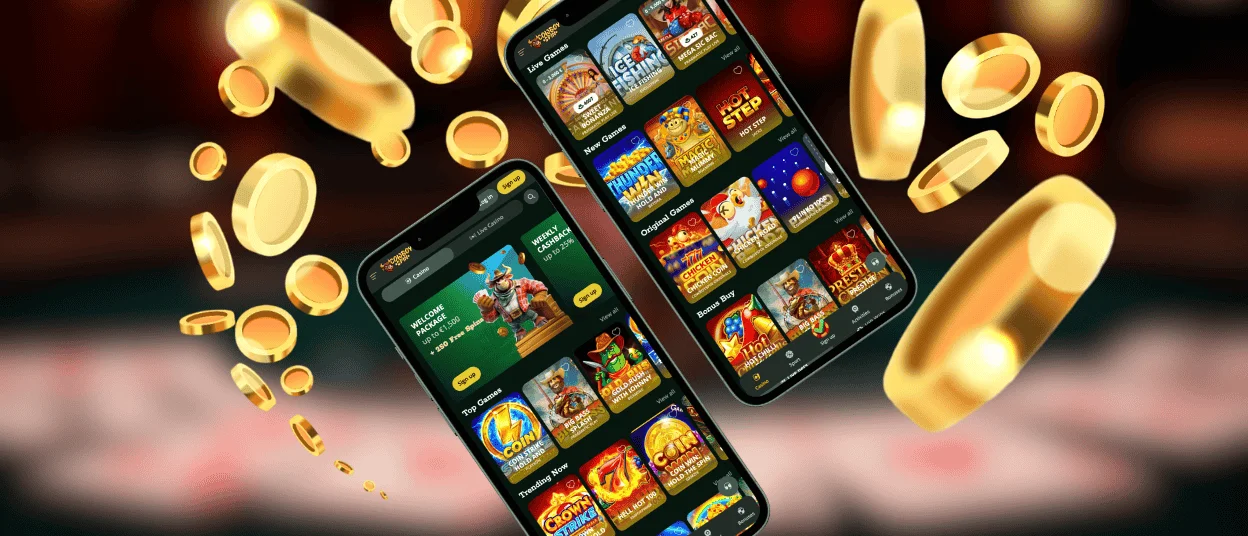
The Cowboyspin app gives mobile casino gaming a new twist that functions just like you want it to. The software works on both Android and iOS smartphones and gives you full access to all the games and casino management tools.
No matter what size screen you’re using – phone, tablet, or something else – the Cowboyspin interface will fit. The main functions are still easy to find because everything was made with simple, comfortable use in mind.

Cowboyspin Mobile Access
Cowboyspin Casino offers both a mobile app and a PC version, each with its own benefits. Both give you full access to games, payment processing, and other platform tools. The main difference is where and how you play.
You can play casino games anywhere you have your phone and the Cowboyspin app installed. You don’t have to open a browser first to start the software. Push notifications are the app’s best feature because they keep gamers up to date on everything happening on the Cowboy Spin platform, such as new promotions, tournament results, and other important news.
The PC version gives you a bigger screen. It’s especially good for online slots and live dealer games, where it’s important to view information properly. Both versions handle deposits and withdrawals in the same way, guide you through the verification process without any problems, and give you access to responsible gaming tools to keep things in check.
Cowboyspin iOS App
You can use the Cowboyspin app on any iPhone or iPad. It runs in Safari and also works as a shortcut for rapid access. Players get alerts about:
- new promotions,
- tournament results,
- platform changes,
- and new games that are added to the library.
You can get to Cowboyspin Casino right away by tapping the icon on your home screen.
How to Install the Cowboyspin Casino iOS App
It’s easy for anyone to get the app on their iPhone or iPad:
- When the Cowboyspin website is open, look for the “Share” button at the bottom of your screen. When you tap it, a menu with different choices pops up.
- Tap “Add to Home Screen” after scrolling down.
- Safari lets you see a sample of how the icon will look on your home screen. You can even change it if you don’t like the default name or want something shorter.
- When you tap “Add” in the top right corner to confirm everything, the Cowboy Spin app icon will appear on your home screen with all of your other apps.
- To open the casino now, just tap the icon as you would do with any other app.
Cowboyspin Android App
Android gets the Cowboyspin app as a progressive web app that doesn’t need APK files at all. You can install the PWA directly from the website, adding it to your home screen, and it will run in your browser without any third-party sources. This format makes it easier to get to things quickly. You get full access to all the games and Cowboyspin Casino tools by default. Playing on Android smartphones provides a great gaming experience without taking up too much space.
The Android version of the Cowboy Spin app is quick and easy to use throughout. You can play games, make payments, get bonuses, and change your account settings just like you can on other platforms. Cowboyspin Casino will send you notifications to keep you up-to-date on what’s happening on the platform.
Windows and Mac Applications
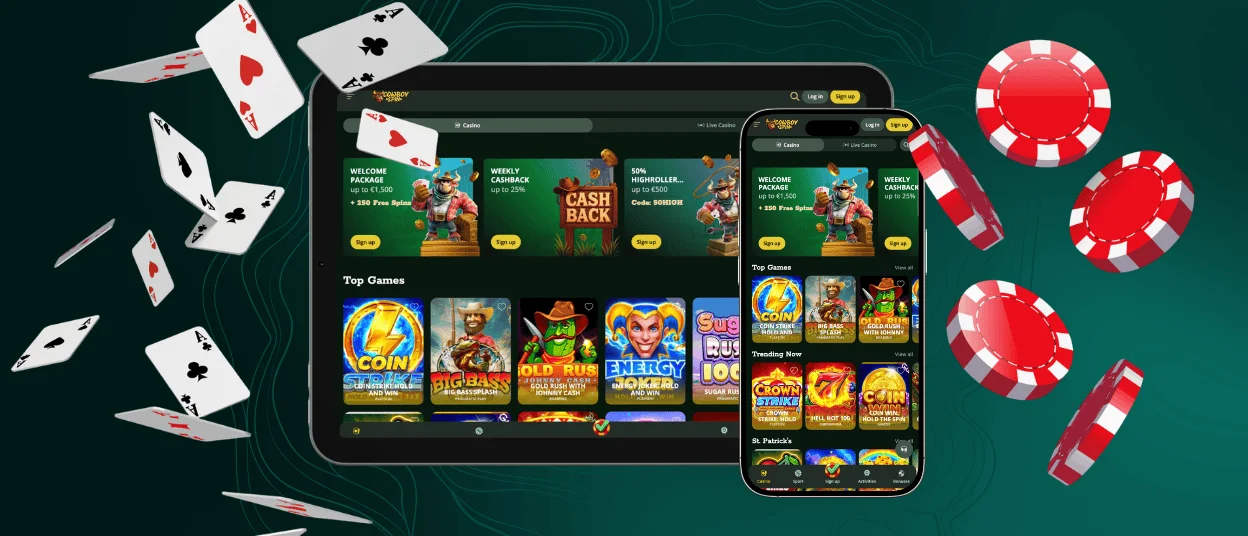
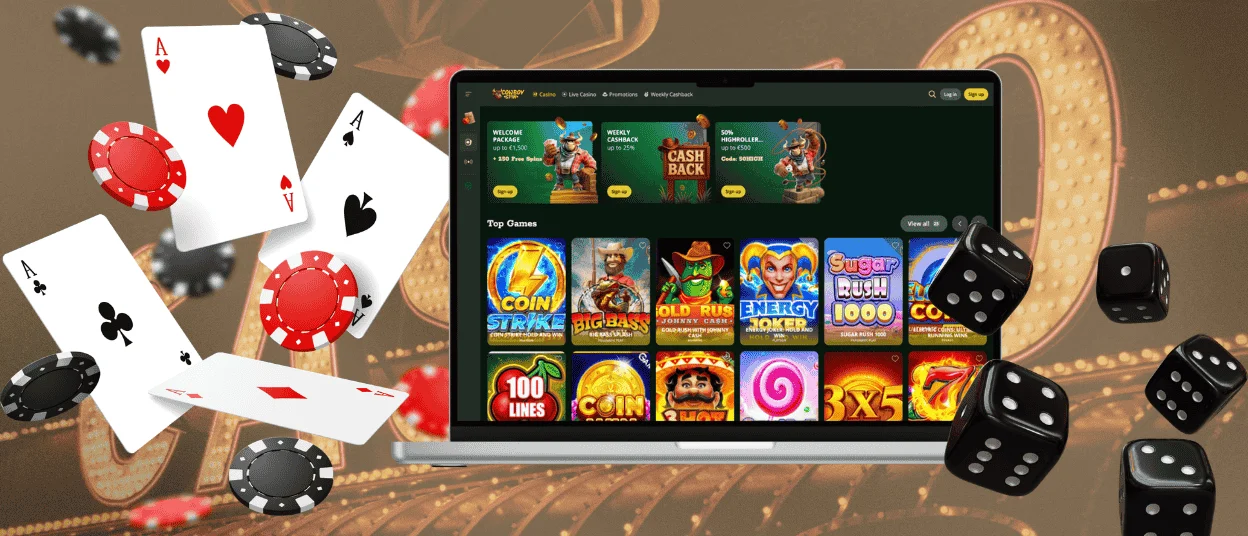
The Cowboyspin Casino app works on both Windows and Mac computers. There are no complicated setups or huge downloads. Players make shortcuts on their desktops that take them directly to the casino website. These shortcuts act like independent web apps that let players access the site with just one click.
The interface was designed for large desktop screens, and it supports high-quality streaming, allowing you to use the full potential of the monitor’s size. Desktop computers are faster than mobile processors; thus, games stream in great quality.
Benefits of PWA Security
The Cowboyspin Progressive Web App architecture offers real security benefits in addition to ease of use. If you don’t download any files, there’s no possibility of getting a virus. You’re just using your browser to get to a secure web platform. Everything runs over HTTPS, which means that data is encrypted by default. Updates just happen when you open the PWA, so you’ll never mistakenly run an old, vulnerable version of an app that has any exploits.
| Cowboyspin Security Feature | How It Protects You | What You Get |
| Sandboxed environment | PWA only accesses the information it needs, so your personal data remains separate | Your contacts, images, and information are safe and confidential |
| No downloads of files | You don’t have to install anything to use it; it runs just in your browser | Clean device with no extra files or hidden information |
| HTTPS always on | Every bit of data travels encrypted between you and Cowboy Spin | Your passwords, payments, and personal information are all kept safe with bank-level encryption |
| Updates that happen automatically | The newest security updates take effect right away in the background | Thanks to the latest protections, you are always safe, and you don’t have to do anything to get them |
FAQ
Can I install the app outside official app stores?
That’s the whole point of Cowboyspin using PWA technology. You can install it straight from the website using your browser, without going through the App Store or Google Play. Just go to the site and add it to your home screen on your own.
Is creating an account required to use the Cowboyspin app?
Before you can use the Cowboy Spin app, you have to make an account. You can play games, get bonuses, deposit money, and withdraw money once you sign up. The platform stays locked without an account because demo mode doesn’t cover everything.
Does the casino app offer customer support?
The Cowboyspin Casino app has a live chat feature implemented into the interface that lets you talk to customer service right away. Support is available 24/7 and responds to questions swiftly. The expert support team can help with anything. If your case needs more explanation than chat interactions can handle, there is also email help.


